Managing social media means juggling ideas, visuals, approvals and deadlines. AI should make that work easier, not flood your calendar with generic posts. These tools are worth exploring when they solve a real bottleneck in your content workflow.
Quick answer: the smallest useful social media stack
Use one general AI assistant for briefs and drafts, one visual tool for on-brand assets, and one scheduling system that connects your actual networks. Add reporting automation when you know which metrics matter. A second AI writing subscription rarely fixes unclear brand positioning.
Buffer for scheduling and idea development
Buffer supports planning across multiple social networks, queue management and channel-specific content. Its official publishing pages describe an AI Assistant for rephrasing and generating ideas. Check the supported post formats and free-plan queue limits for your channels before committing. Buffer Publish.
Canva for visuals and reusable brand templates
Canva combines social graphics, Magic Studio features and content planning. Build a small library of approved layouts instead of regenerating visual identities for every post. Some AI features and publishing options are plan-dependent. Canva social media tools.
Claude or ChatGPT for editorial briefs
Use a general assistant to turn original articles, customer interviews and product updates into channel-specific draft captions. Ask for source-backed claims, two distinct angles and a list of missing facts. Do not claim you tested a product or attended an event unless you did.
When a dedicated video editor helps
Short-form teams often need captioning, transcript cleanup, cuts and resizing. Trial a dedicated editor with your actual source footage, then measure production time including review. Licensing, original footage and platform music policies still apply.
Workflow: one article into a week of social posts
- Select one original, fact-checked source article.
- Extract five distinct insights and identify their sources.
- Draft a LinkedIn post, carousel outline, short video script and two community questions.
- Prepare graphics in approved templates with readable mobile typography.
- Adjust each caption for its channel; do not cross-post identical text everywhere.
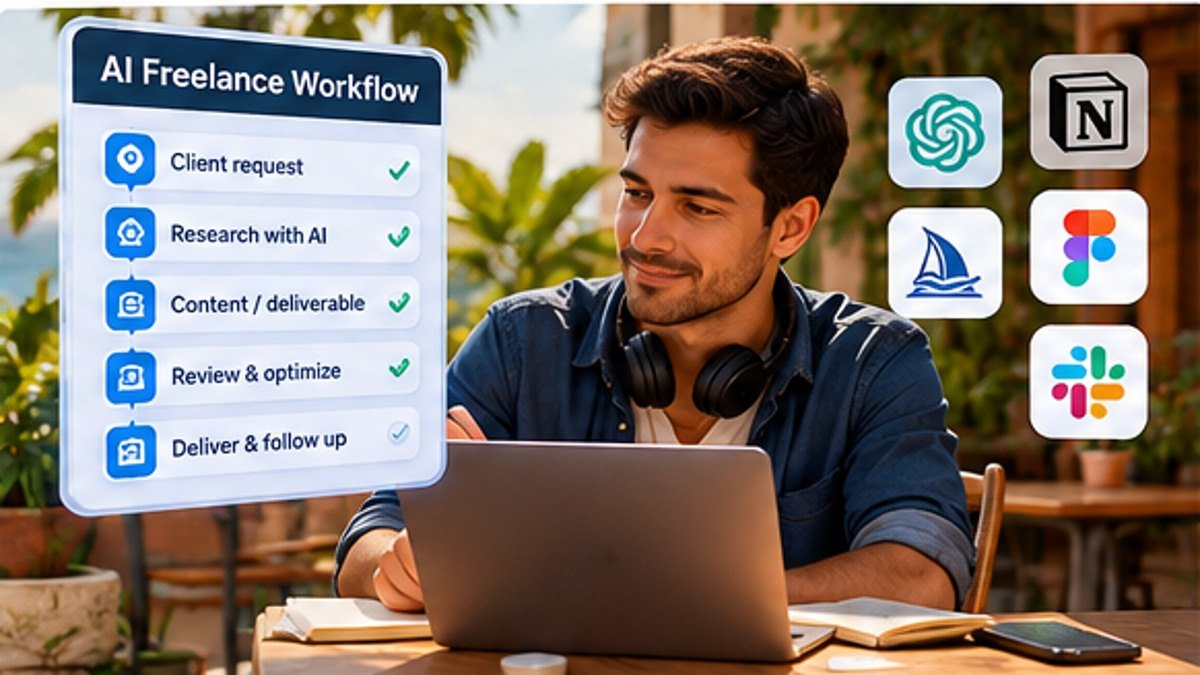
- Schedule in Buffer or another authorized tool, with a human approval gate.
- Review engagement, comments, referral clicks and actual conversions after publishing.
A reusable prompt for social managers
Prompt: “You are the editor for [BRAND]. Use only [APPROVED SOURCE] to create three distinct social post drafts for [CHANNELS]. Audience: [PERSONA]. Brand rules: [TONE]. Each post needs a specific takeaway and optional CTA. Keep numbers exact, do not invent first-hand experiences, and flag unsupported claims. Provide an accessible visual concept for each.”
Metrics to judge the stack
Track production hours per approved post, corrections before publication, referral traffic, meaningful engagement and commercial outcomes. Impressions alone cannot demonstrate business value. Compare software subscription costs with time saved after approval and editing.
Platform and account safety
Use official integrations and least-privilege credentials, enable multi-factor authentication where available and confirm whether automatic publishing is supported for your particular post format. Keep approval for sensitive posts, contests, paid partnerships and customer replies. Disclose sponsored relationships as required.
FAQ
What is the best AI tool for social media?
There is no universal winner. Start with the tool that solves your main bottleneck: drafting, visuals, scheduling or reporting.
Can I fully automate a brand account?
Some activities can be automated, but creative review, community sensitivity and permissions still require oversight. Avoid unapproved bots or platform-rule violations.
Should I publish AI-written captions unchanged?
Review factual claims, brand tone, repetition, platform context and commercial disclosures before posting.
Sources and related guides
Buffer Publish, Canva social media, Claude for Content Creators, AI Content Automation and Free AI Tools for Digital Nomads.
Continue learning: Browse the AI & Automation hub for all 30 tutorials and comparisons.