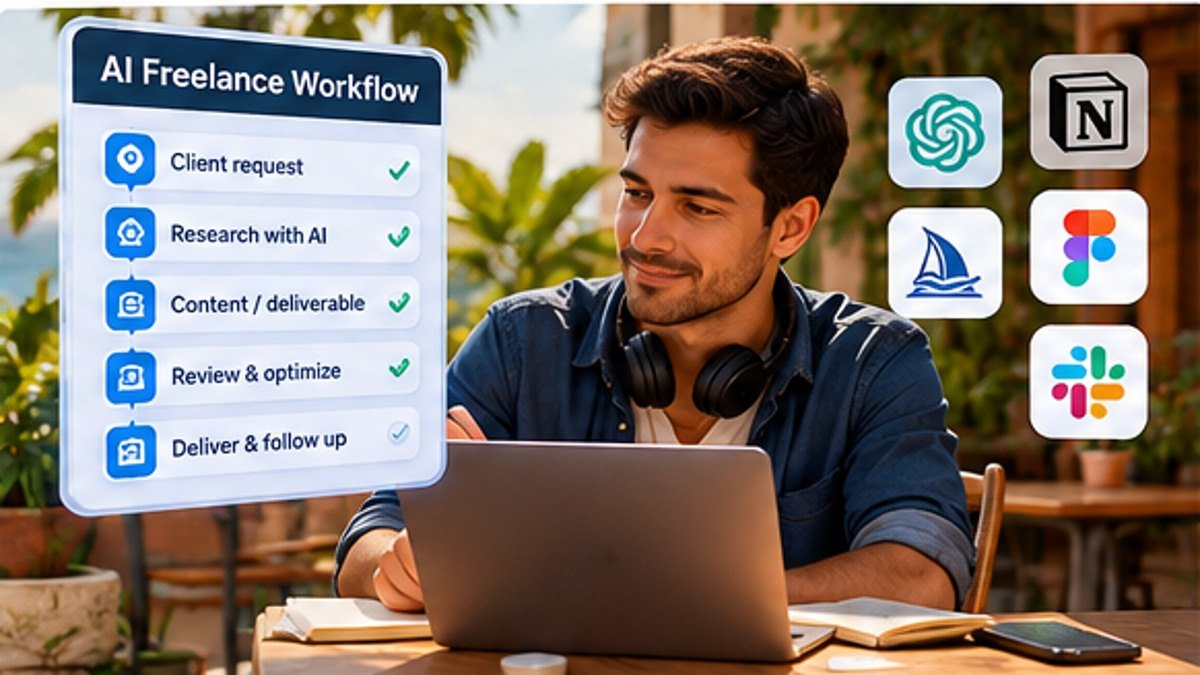
You can try useful AI tools without committing to a stack of monthly bills. For digital nomads watching expenses, the smartest approach is to match free plans to real tasks and understand where the limits kick in. Here's a starter toolkit that prioritizes work you can actually get done.
Start with the task, not the app
- General drafting and analysis: try the free offerings of ChatGPT and Claude, checking regional availability and current account limits.
- Web research: compare Perplexity's free access with your browser's ordinary source checking.
- Design: Canva's free entry point can help with graphics and layouts; confirm AI-specific limits before relying on them.
- Coding: evaluate free or introductory access to GitHub Copilot and other assistants, where eligible.
- Automation: Make has a free tier; n8n's self-hosted Community Edition can be an alternative if you can maintain a server.
1. ChatGPT: a general-purpose assistant
Use it for structuring proposals, rewriting drafts, brainstorming, explaining documents and planning work. Free entitlements are subject to product limits and can differ from paid features. Always review consequential outputs. Official ChatGPT.
2. Claude: drafting and document workflows
Claude is worth trying for writing, working with supplied documents and structured reasoning. Its free access and message limits can vary. Start with a real anonymized client brief and check editing effort before subscribing. Official Claude. Related: Claude for Digital Nomads.
3. Perplexity: exploring sources
Use Perplexity to discover relevant webpages, but open and check the links. An attached citation is not proof that a source supports the claim. Look at the date and original publisher, especially for visas, finance, travel rules and software pricing. Official Perplexity.
4. Canva: quick visuals
Canva offers a free design entry point. Some AI generation or advanced assets may require payment or have limits. A creator can make slide layouts, thumbnails and simple promotional graphics, but should check licensing, brand consistency and accessibility before publication. Official Canva.
5. GitHub Copilot: coding assistance
Investigate the current free or introductory coding options if you work in a supported editor. Never rely on generated code without tests and a manual diff review; protect client repositories and credentials. Official Copilot.
6. Make and n8n: automation without another subscription
A small Make workflow may fit its free tier, though credits and limits apply. Self-hosted n8n may avoid a cloud plan fee but still requires infrastructure, updates, security and backups. Compare actual recurring cost in our n8n vs Make vs Zapier guide.
What 'free' can still cost you
- Limited messages, credits, tasks or export features.
- Your time learning and debugging workflows.
- Data exposure when connecting client accounts without approval.
- Cloud hosting, internet data usage or hardware resources.
- Rework when generated output is inaccurate or generic.
A seven-day no-cost experiment
Day 1: record three repetitive tasks and time them. Day 2: test a general assistant on non-sensitive inputs. Day 3: test research with linked primary sources. Day 4: create one original visual. Day 5: automate one harmless internal notification. Day 6: review errors and privacy. Day 7: compare net minutes saved after editing; pay only for the one upgrade that solves a real constraint.
Best zero-cost stack by profession
- Writer: general assistant, careful source checking and a basic design tool.
- Freelance developer: editor, version control, tests and a coding assistant with a usable free entitlement.
- Virtual assistant: draft generation, task checklist and optional low-volume automation.
- Creator: original research, editing templates and graphics using free design tools.
- Founder: one assistant plus a measurable workflow, not an expensive collection of experiments.
FAQ
Are free AI tools safe for customer documents?
Not automatically. Obtain permission, evaluate privacy controls and remove confidential information where possible.
Is free AI enough for a digital nomad?
Often for early experiments. Paid plans become attractive when reliable capacity, collaboration or integrations add measurable value.
Can a free tier change?
Yes. Recheck features, model availability, limits and data policies on the vendor site before relying on a workflow.
Official links and related guides
Claude plans, ChatGPT plans, Make pricing, n8n pricing. For more specific recommendations, see AI tools for remote workers.
Continue learning: Browse the AI & Automation hub for all 30 tutorials and comparisons.