Test your backup internet connection before a client call, not during one. A mobile hotspot is only a useful fallback if your laptop, meeting app and required work accounts actually recover when the primary connection disappears. Run a controlled failover drill in your accommodation using a colleague and non-confidential test material.
Choose two genuinely separate connections
Use your accommodation broadband as the primary connection and a cellular plan as the backup. Two Wi-Fi networks may share the same router or provider. Ask about the underlying service where possible and check that your mobile plan permits tethering, has sufficient data and works at your desk. See our offline-first work routine for managing tasks that do not require a live connection.
Prepare the laptop and phone
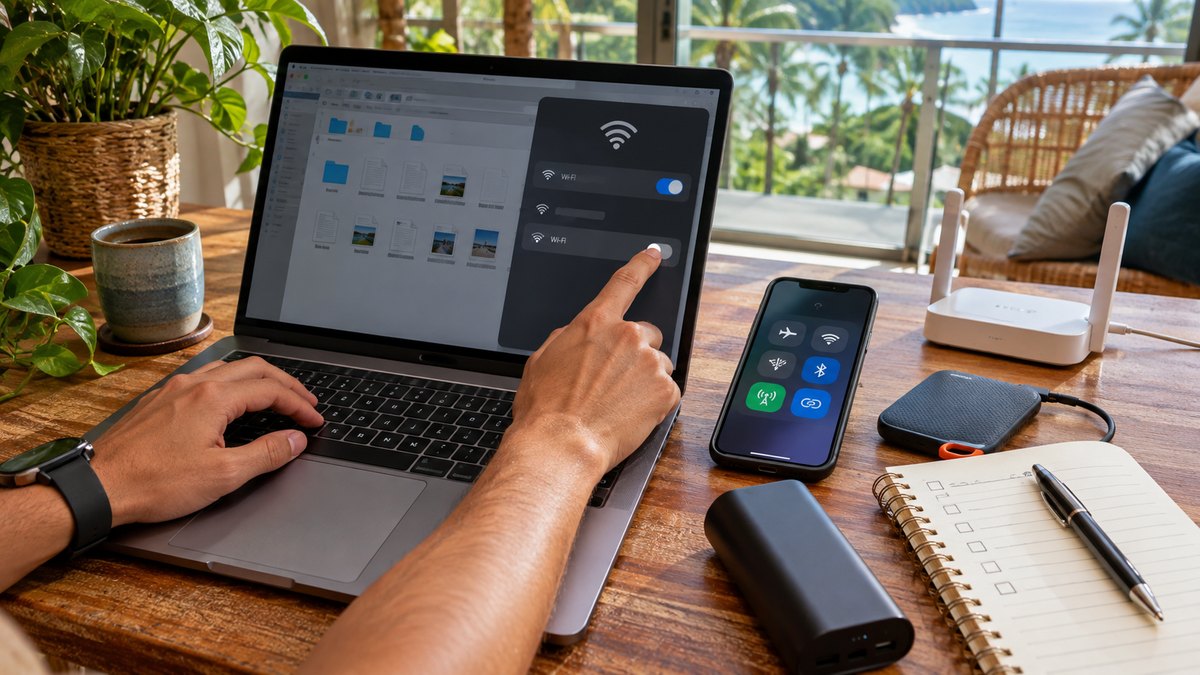
Configure a password-protected hotspot and connect to it once before the drill. Keep the phone charged and a suitable data cable nearby. USB tethering is another option on compatible devices; follow the official Android tethering instructions or Apple Personal Hotspot guide. Check whether your work VPN and authentication methods function on the backup network. Never bypass client security requirements.
Run a controlled 15-minute failover drill
Schedule a test meeting with a willing colleague at your usual working hour. Spend five minutes speaking and sharing a harmless document on broadband. Then disconnect the laptop from the primary Wi-Fi, or unplug its Ethernet cable. Do not switch off a shared router. Start a stopwatch and connect to the hotspot. Record how long it takes for two-way audio to return, whether you need to rejoin and whether screen sharing must be restarted. Spend the remaining time working on the backup connection.
Measure recovery rather than headline download speed
Ask your colleague to report missing words, frozen video and screen-sharing interruptions. If using Zoom, consult its meeting statistics guide for latency, jitter and packet loss. Latency is delay, jitter is variation in arrival timing, and packet loss means data failed to arrive. Record both the primary and backup observations. A fast speed test alone does not demonstrate that a meeting will survive a network switch.
Set a recovery target for your actual work
For example, choose a personal target of restoring usable audio within 60 seconds. This is a suggested target, not a service guarantee. If the drill takes 90 seconds, investigate whether the delay came from joining the hotspot, reconnecting the VPN or rejoining the meeting. Fix one bottleneck and repeat the drill. For a live workshop or paid presentation, arrange a co-host who can continue while you reconnect.
Prepare a fallback message and a second escalation
Keep a short message ready: My connection has dropped. I am switching networks and will rejoin shortly. If the backup is unstable, ask whether audio-only participation is acceptable or agree a new time. Use a previously approved contact channel. If neither connection works, move to a previously tested workspace when practical. Our workspace trial guide helps evaluate that alternative before you need it.
Return to broadband deliberately
Avoid switching back repeatedly during a meeting. If mobile service is usable and you have sufficient data, finish the call there. Afterwards reconnect to broadband, confirm access to your work accounts, and turn off the hotspot when no longer needed. Record the drill date, network names, recovery time, audio quality and any unresolved issues. Repeat after moving accommodation, changing SIM providers or changing essential equipment.