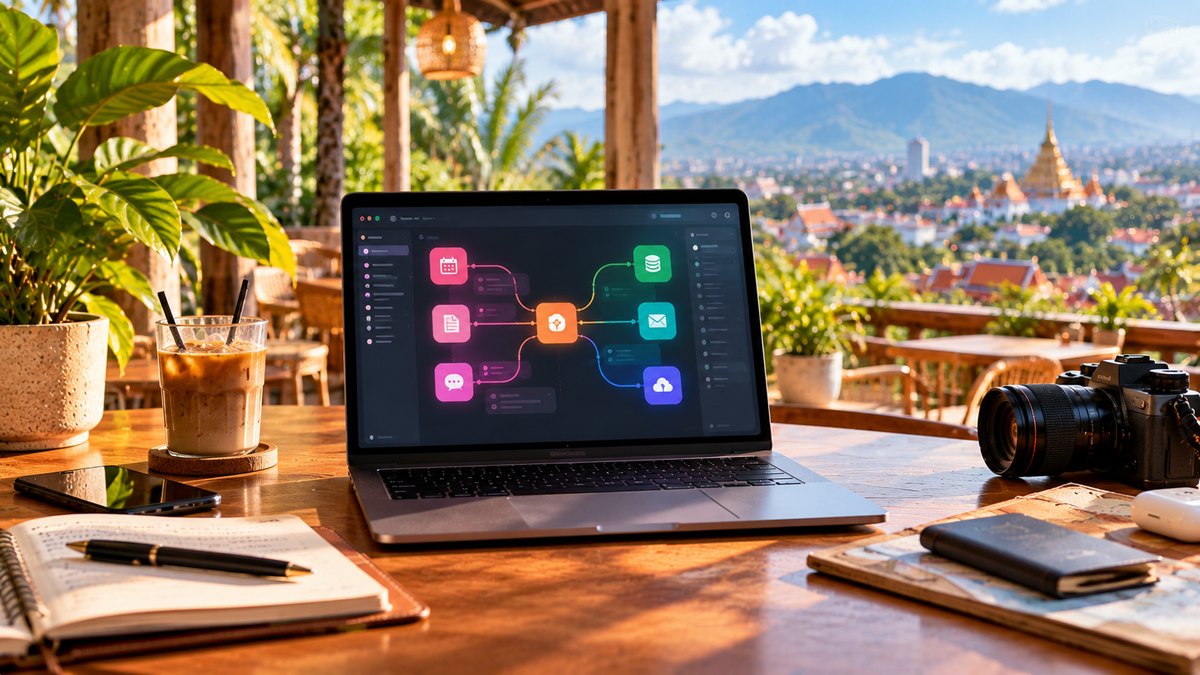
A small Airbnb does not need to become a permanent office. The goal is to build a repeatable setup in five minutes, improve posture enough for real work and pack everything into one pouch when you move.
The minimal setup
The cheapest ergonomic upgrade
A laptop stand plus external keyboard usually creates the biggest improvement for the least weight. Raise the screen closer to eye level and keep shoulders relaxed. You do not need a giant mechanical keyboard to benefit.
Laptop stand
Choose a foldable stand that is stable enough for typing only if necessary, but ideally use it with a separate keyboard. Avoid ultra-light stands that wobble every time you touch the laptop.
Keyboard and mouse
A compact Bluetooth keyboard around 60 to 75 percent layout saves desk space. A small mouse is useful if your work involves spreadsheets, design or long editing sessions. If you hate external peripherals, skip them rather than carrying unused gear.
One-charger strategy
USB-C Power Delivery can reduce cable clutter dramatically. Check your laptop's wattage, then use one quality multi-port charger for laptop, phone and accessories where compatible. Keep country plug adapters separate from the charger so one lost adapter does not force a full replacement.
The outlet problem
Many rentals have one usable outlet in the wrong place. A short, lightweight extension lead can be more useful than another tech accessory. Make sure it is rated appropriately for the local voltage and your devices.
Internet setup
Ask the host for a current speed test, but treat it as evidence, not a guarantee. Keep mobile data ready. If you move often or connect several devices, see our travel router guide and eSIM guide.
Noise
The desk can be perfect and still unusable next to construction or a nightclub. Check recent reviews for noise and inspect the street before committing to a long stay. For audio, see our noise-cancelling setup.
A setup by bag weight
How to set up a bad table
- Move the table near natural light without creating screen glare
- Raise the laptop with a stand or stable books
- Use a pillow or folded towel for chair support
- Keep feet flat or use a solid bag as a footrest
- Move every 30 to 60 minutes instead of chasing perfect posture
What not to pack
Do not recreate a desktop battlestation in carry-on luggage. Large monitor arms, oversized keyboards, bulky desk mats and duplicate chargers are rarely worth the weight unless you stay several months per base.
Laptop choice
The entire setup gets easier when the main computer is light and charges over USB-C. See our Best Laptop for Digital Nomads 2026.
Common mistakes
- Buying every travel accessory before leaving
- Carrying a stand but no external keyboard
- Depending on one charger with no cable backup
- Booking a rental based only on Wi-Fi listed as an amenity
- Ignoring construction noise
- Working ten hours from a sofa because the apartment has no table
FAQ
Do digital nomads need a portable monitor?
Some do, especially developers, traders or spreadsheet-heavy workers. For most travelers, it is optional and should earn its weight through daily use.
What is the most important accessory?
After the charger, a lightweight stand plus keyboard usually creates the biggest ergonomic improvement.
Final take
Build the smallest setup that makes you consistently productive. A stable surface, screen height, good input devices, power and internet backup matter more than aesthetic accessories.