Last verified: 24 September 2026. A solo business does not need fifteen AI subscriptions. It needs a small stack that removes bottlenecks without creating more tools to manage. In 2026, the most useful categories are general reasoning and creation, research, automation, design, transcription and business-specific tools.
My recommendation: buy tools to fix bottlenecks, not to collect subscriptions
If I were setting up a solo online business today, I would begin with one general assistant, the tools I already use to talk with clients, and a simple way to track work. I would not pay for a new AI research service, automation subscription and coding agent on day one. First, identify where work gets stuck. If you're spending five hours answering variations of the same onboarding question, an approved draft workflow has a clearer payoff than a second chatbot.
There is one exception: if your income depends on a specialized task, such as programming or editing large quantities of approved footage, a dedicated tool may justify its cost. The goal is a shorter route to a better deliverable, not the longest list of apps.
Which tool would I choose for each type of business?
A real-world example: one client inquiry from start to finish
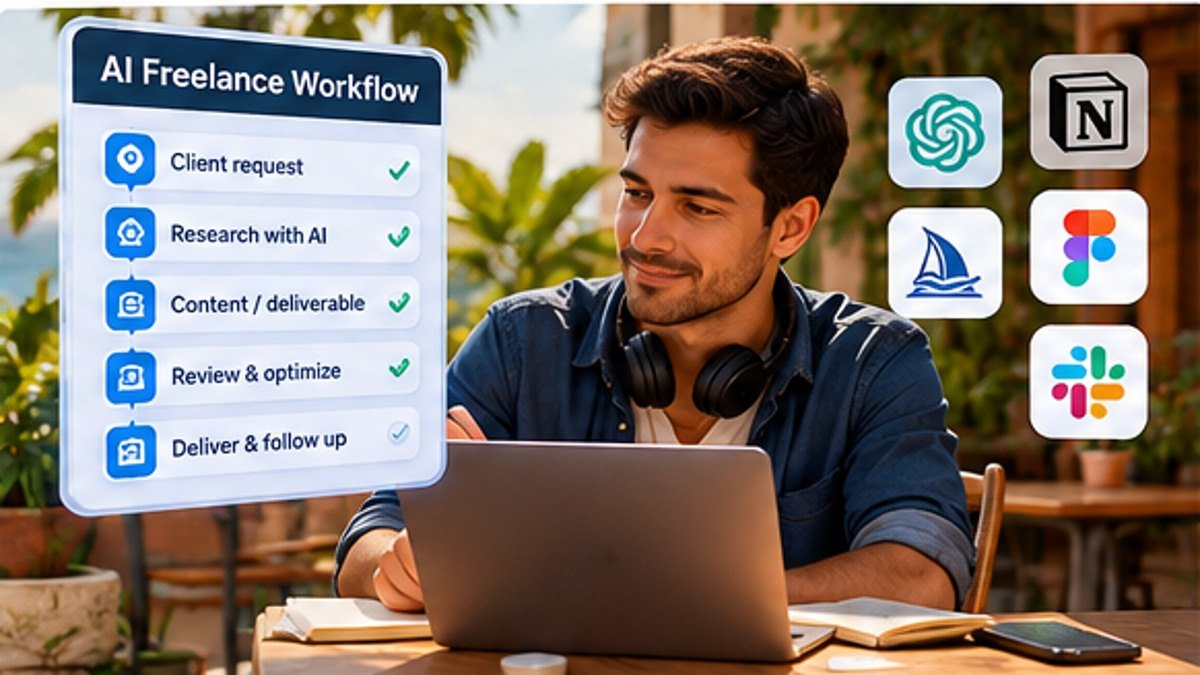
Imagine you receive the same project inquiry every Monday. Instead of asking AI to send an automatic reply, the new message enters your normal inbox. A rule tags the inquiry, an AI assistant drafts three relevant questions based on your actual service description, and you approve the response. When the client replies, the confirmed details are added to your CRM. Nothing is quoted or promised automatically. This is less glamorous than a fully autonomous agent, but it is much easier to test, trust and sell as a service.
If you want to build this yourself, follow our practical client onboarding workflow. For the tools that connect the steps, compare n8n, Make and Zapier.
Try a seven-day tool audit before subscribing
- Day 1: list three repetitive tasks and record how long they actually take.
- Day 2: choose one assistant and test it using non-sensitive inputs.
- Day 3: compare the output with the source material and count corrections.
- Day 4: create a reusable prompt or checklist for that task.
- Day 5: test one low-risk automation with approval required.
- Day 6: note software charges, mistakes and maintenance time.
- Day 7: choose whether to keep, cancel or upgrade. No improvement means no new subscription.
Quick stack
1. ChatGPT for general business work
ChatGPT can be useful for research, drafting, analysis, spreadsheets, coding and multi-step work. OpenAI's current business materials describe workflows across finance, analytics, sales, marketing, operations, engineering and design, and ChatGPT Work is positioned for longer tasks involving research, files, apps and finished artifacts.
For a solo owner, the key is to build repeatable workflows. Instead of asking for a random social caption every day, create a process for turning one customer interview into positioning notes, content ideas, a newsletter draft and a follow-up checklist.
2. Claude for long-form and complex knowledge work
Claude is useful for document-heavy work, analysis, coding and long-form drafting. Anthropic continues to position Claude across professional and coding workflows. Pick between general assistants based on the work you actually do, not benchmark debates.
3. AI research tools
Research tools are useful for competitor scans, market questions, source discovery and preliminary due diligence. Always open important sources yourself before making a legal, financial or strategic decision.
4. Automation tools
The biggest productivity gain often comes from connecting tools rather than generating more text. Useful workflows include form-to-CRM routing, meeting-note follow-ups, invoice reminders, content handoffs and lead qualification.
5. Canva and AI-assisted design
For a solo operator who is not a designer, AI-assisted templates and design tools can speed up social graphics, simple presentations and campaign assets. Keep brand rules consistent so speed does not turn into visual chaos.
6. AI for coding and website work
Coding assistants can help a solo founder prototype, debug and maintain simple tools, but production systems still require testing, security and backups. Do not ship generated code you cannot maintain.
The best AI workflow is usually boring
What not to send to AI tools
Do not casually upload passwords, private client secrets, regulated data or confidential contracts without understanding the product's data controls and your obligations. Business plans can offer stronger administrative and privacy controls, but you still need a data-handling policy.
How much should a solo founder spend?
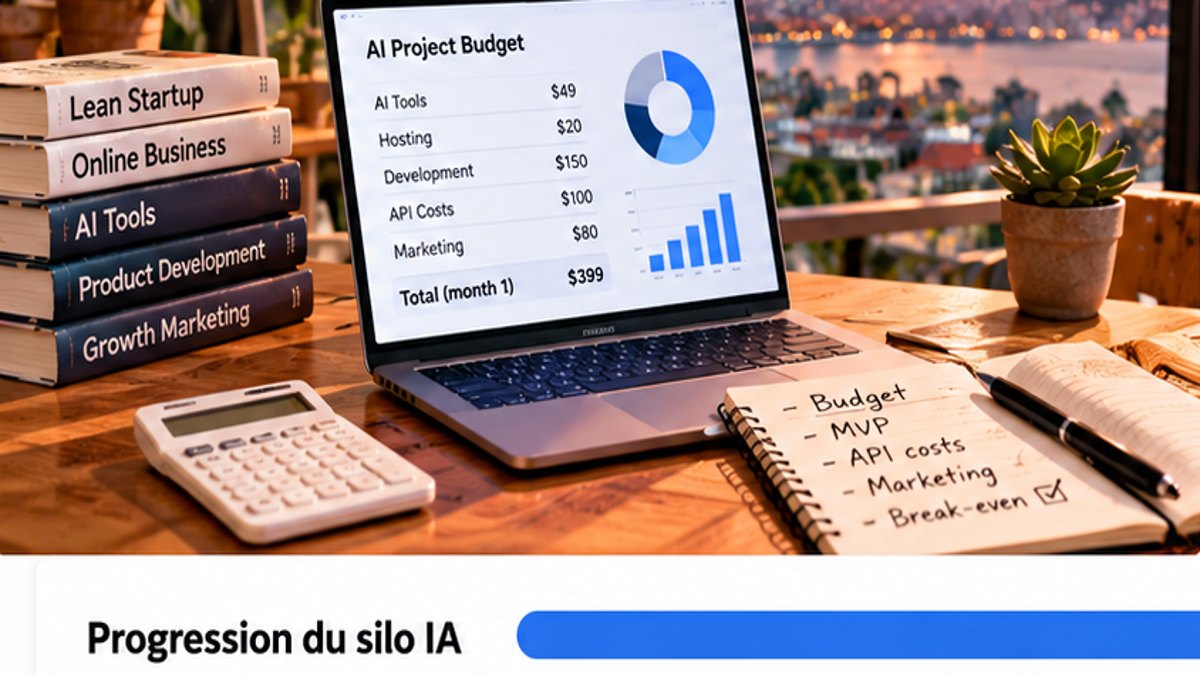
Start with one general assistant and one specialist tool that directly saves money or time. Add another subscription only when the current workflow proves the need. Tool sprawl can cost more attention than it saves.
A simple weekly AI system
- Monday: prioritize projects and research unknowns
- During the week: use AI for first-pass analysis, drafts and repetitive transformations
- After meetings: extract decisions and next actions
- Friday: review what actually saved time
- Monthly: cancel tools that have not created measurable value
Internal tools to combine with AI
AI works better when the rest of the stack is simple. See our project management tools, time tracking apps and digital nomad app stack.
Common mistakes
- Paying for overlapping AI tools
- Using AI without verifying important facts
- Automating a broken process
- Uploading sensitive data without checking controls
- Using generated content without editing
- Measuring productivity by output volume instead of business results
FAQ
What is the best AI tool for a solo business?
A strong general assistant is the best starting point because it can support many workflows. Add specialist tools only when they solve a recurring bottleneck.
Do I need both ChatGPT and Claude?
Usually not at the beginning. Test both on your real work, then pay for the one that fits your workflows better. Some power users keep both, but tool overlap is real.
Can AI replace freelancers or employees?
It can automate parts of many jobs, but high-value work still requires judgment, context, relationships and accountability. Use AI to extend capacity rather than assuming every role becomes unnecessary.
Final take
The best AI stack for a solo owner is small, integrated and measurable. One strong general assistant, one automation layer and a few specialist tools can do more than a folder full of subscriptions.
More specific buying and implementation guides
This is the overview. For hands-on decisions, use the more focused articles: Claude vs ChatGPT for freelancers, AI coding assistants, AI research tools, AI website builders and measuring automation ROI. The AI & Automation hub organizes the entire collection.
Editorial note: software availability, feature limits and prices change. The recommendations above are a decision framework, not claims of personal tests or guaranteed results. Review vendors' current terms and data-handling policies before connecting client information.